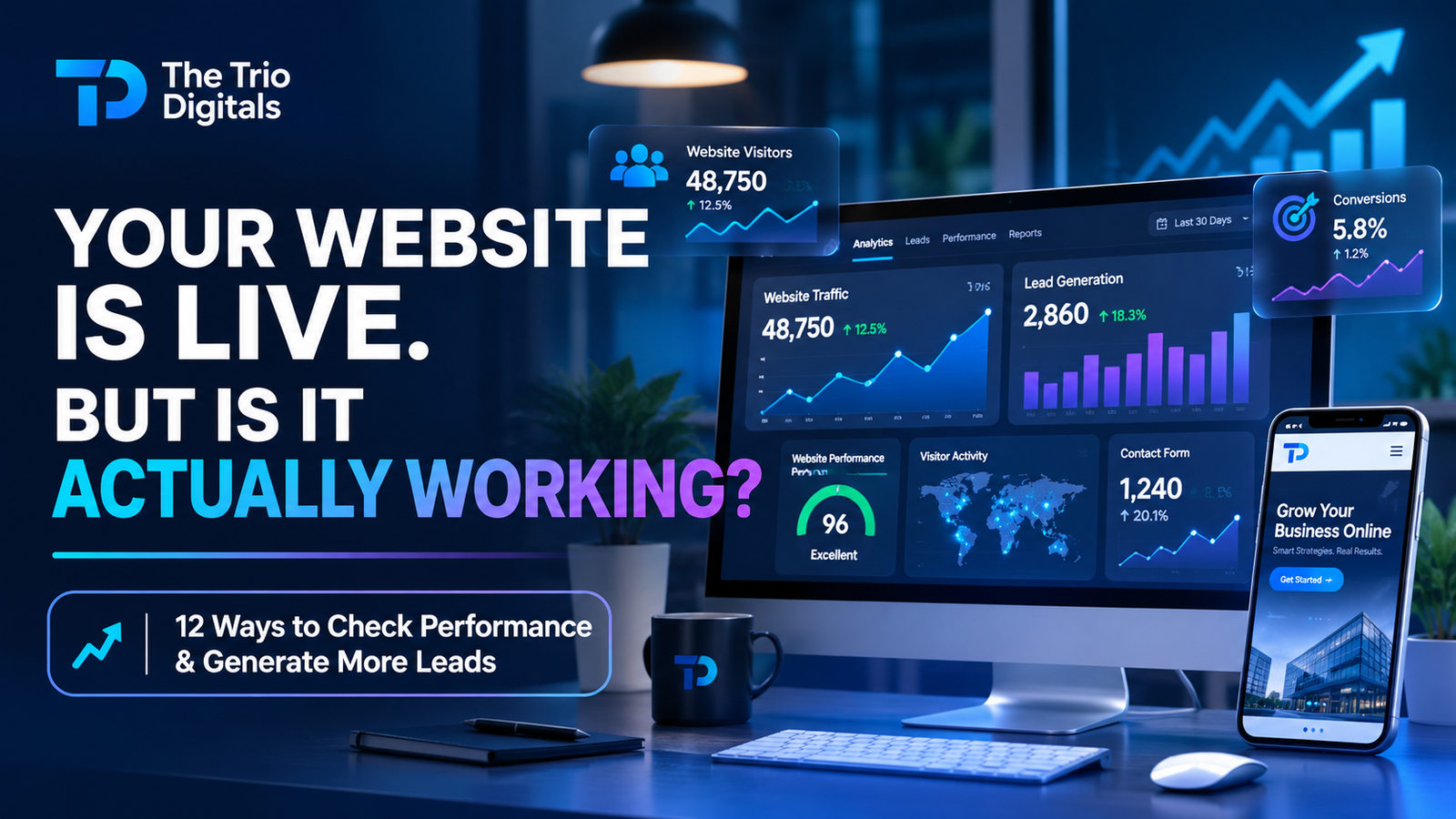
You invested money in building a website. It looks professional, your services are listed, your contact information is available, and everything seems to be working.
But here's a question most business owners forget to ask:
Is your website actually helping your business grow, or is it just sitting on the internet?
Having a website doesn't automatically mean you're getting customers.
Your website might receive hundreds of visitors every month, but if nobody contacts you, requests a quote, books a consultation, or purchases your products, something may be wrong.
Perhaps your website isn't attracting the right audience. Maybe visitors cannot find what they're looking for. Your pages might load slowly, your calls to action could be weak, or your contact forms might not work properly.
And sometimes, the website is performing better than you think, but you simply aren't tracking the results.
The good news? You don't have to guess.
There are practical ways to evaluate your website's performance, understand visitor behavior, measure lead generation, and identify areas that need improvement.
In this guide, we'll explain 12 important ways to check whether your website is working properly, attracting potential customers, and generating meaningful business results.
Whether you own a small business website, an e-commerce store, a service-based business, or a B2B company, this guide will help you understand what is happening behind the scenes.
Let's get started.
1. Check How Many People Are Visiting Your Website
The first thing you should understand is how many people are actually visiting your website.
Website traffic tells you how many visitors your website attracts over a specific period.
However, don't make the mistake of assuming that more traffic automatically means more business.
A website receiving 5,000 visitors who aren't interested in your services may perform worse commercially than a website receiving 300 highly relevant visitors.
Start by reviewing:
Total website users.
New and returning visitors.
Sessions over time.
Traffic sources.
Most visited pages.
Geographic locations of visitors.
Changes in traffic over different periods.
How to check it:
Use Google Analytics 4 (GA4) to understand how people interact with your website.
You can identify whether visitors are coming from Google Search, social media, direct visits, referral websites, or paid advertising campaigns.
For example:
Imagine you run a web development agency.
Your website receives 600 visitors in one month. Around 350 come from organic search, 150 from social media, and 100 from other sources.
This gives you an initial understanding of where your audience is coming from.
But remember, traffic is only the beginning. The next question is whether those visitors are doing anything valuable.
2. Find Out Where Your Website Visitors Are Coming From
Knowing how many people visit your website is useful. Knowing where they come from is even more valuable.
Different traffic sources can bring different types of visitors.
Your website traffic may come from:
Organic Search: People discover your website through search engines such as Google.
Social Media: Visitors click links from Facebook, Instagram, LinkedIn, Pinterest, or other platforms.
Direct Traffic: People visit your website directly, such as by entering your domain or using a saved link. Analytics attribution can also classify some visits as direct when referral information is unavailable.
Referral Traffic: Visitors arrive through links on other websites.
Paid Advertising: People visit through Google Ads, social media advertisements, or other paid campaigns.
Email Marketing: Subscribers click links in your marketing emails.
Why does this matter?
Suppose you're spending money on Facebook advertising, but most of your actual inquiries come from organic Google searches.
This information can help you evaluate where your marketing investment is producing meaningful results.
Similarly, if your website receives traffic from irrelevant locations or audiences, you may need to review your targeting, content, and marketing strategy.
Recommended tool: Google Analytics 4.
3. Check Whether Your Website Is Generating Actual Leads
This is one of the most important things every business owner should measure.
Your website might have excellent traffic, beautiful design, and plenty of content. But if visitors aren't contacting your business, you need to investigate.
A lead is a potential customer who shows interest in your product or service.
Depending on your business model, leads may include:
Contact form submissions.
Quote requests.
Consultation bookings.
Phone inquiries.
WhatsApp inquiries.
Email inquiries.
Product inquiries.
Demo requests.
How to check lead generation:
First, identify the actions that matter to your business.
If you're a service provider, a completed inquiry form may represent a lead.
If you sell products online, a completed purchase is a conversion, while adding a product to the cart is usually an earlier step in the customer journey.
If you run a B2B company, a qualified sales inquiry may be more valuable than a general contact form submission.
Then configure conversion tracking through GA4 and Google Tag Manager, or use suitable integrations with your CRM.
For example:
Your website receives 1,000 visitors in a month.
Out of those visitors:
30 submit contact forms.
15 click your WhatsApp button.
10 request quotations.
These actions can provide useful insight into how visitors interact with your website.
However, make sure you avoid double-counting the same person or counting every button click as a qualified lead.
Important: A lead is not necessarily a paying customer. You should also track how many inquiries become genuine business opportunities and eventually sales.
4. Measure Your Website Conversion Rate
Website conversion rate tells you what percentage of visitors complete a specific action.
It is one of the most useful measurements for understanding whether your website encourages people to take action.
The basic formula is:
Conversion Rate = (Number of Conversions ÷ Number of Visitors) × 100
For example:
Suppose your website receives 1,000 visitors in a month, and 25 of them submit a contact form.
Your contact form conversion rate would be:
(25 ÷ 1,000) × 100 = 2.5%
<ins>Important:</ins> This is an illustrative calculation, not a universal industry benchmark.
Different businesses have different conversion goals. An e-commerce purchase conversion rate, a consultation booking rate, and a B2B lead generation rate should not automatically be compared.
What should you measure?
Contact form conversion rate.
Quote request conversion rate.
Appointment booking rate.
Purchase conversion rate.
Newsletter signup rate.
Landing page conversion rate.
Why does it matter?
Suppose your website traffic increases from 1,000 to 2,000 visitors, but your number of inquiries remains unchanged.
This could indicate that your new traffic isn't relevant, your landing pages need improvement, or visitors are encountering problems during the conversion process.
Tracking conversion rates helps you investigate these issues instead of focusing only on traffic numbers.
5. Test Your Website Speed and Loading Performance
Would you stay on a website that takes too long to load?
Most visitors expect websites to respond quickly. Slow loading can create frustration and discourage people from exploring your services.
Website performance can be affected by:
Large, uncompressed images.
Poor hosting infrastructure.
Excessive plugins.
Unoptimized JavaScript and CSS.
Too many third-party scripts.
Inefficient caching.
Poorly implemented animations.
How to check website speed:
Use Google PageSpeed Insights.
Enter your website URL and review the performance report.
Pay particular attention to Core Web Vitals:
Largest Contentful Paint (LCP): Measures how quickly the main content becomes visible. A good target is 2.5 seconds or less.
Interaction to Next Paint (INP): Measures how responsive a page is to user interactions. A good target is 200 milliseconds or less.
Cumulative Layout Shift (CLS): Measures unexpected visual movement during page loading. A good target is 0.1 or less.
These are Google's recommended Core Web Vitals thresholds.
Also check both mobile and desktop reports. A website can perform differently across devices and network conditions.
Why does this matter?
A fast-loading website makes it easier for visitors to access information, browse your services, and complete actions.
It also helps support a better overall page experience.
Don't focus only on a single PageSpeed score. Investigate the actual problems identified in the report.
6. Check Whether Your Website Is Mobile-Friendly
Your website might look perfect on a desktop computer but completely different on a smartphone.
This is a common problem with websites that haven't been properly tested across different screen sizes.
Try opening your website on your phone and ask yourself:
Can you read the text without zooming?
Does the navigation menu work?
Are the buttons easy to tap?
Do images fit the screen?
Are contact forms easy to complete?
Does the layout look organized?
Can visitors find your services quickly?
If the answer to several of these questions is no, your mobile experience needs attention.
How to check it:
Open your website on different mobile devices and screen sizes.
You can also use browser developer tools to simulate different screen dimensions and inspect responsive layouts.
Review Google's PageSpeed Insights mobile report for additional performance information.
Why does it matter?
A difficult mobile experience can prevent potential customers from contacting your business.
A responsive website should provide a consistent and accessible experience whether someone visits from a smartphone, tablet, laptop, or desktop computer.
7. Understand What Visitors Are Doing on Your Website
Knowing that someone visited your website is useful.
Understanding what they actually do after arriving is much more valuable.
For example:
Which pages do they visit?
How long do they engage with important content?
Do they explore your services?
Do they click your CTA buttons?
Do they reach your contact page?
Where do they abandon the process?
This information helps you understand whether your website is easy to use and whether your content meets visitor expectations.
Tools you can use:
Google Analytics 4: Review page views, engagement, events, traffic sources, and conversions.
Microsoft Clarity: Explore heatmaps and session recordings to understand how visitors interact with your pages.
Google Tag Manager: Set up and manage event tracking for important website interactions.
For example, a heatmap might reveal that visitors frequently click an element that isn't actually clickable.
A session recording might show that people repeatedly struggle to complete your contact form.
These observations can reveal problems that ordinary traffic reports cannot explain.
Always configure analytics and session-recording tools appropriately, respect privacy requirements, and avoid recording sensitive information.
8. Check Whether Your Website Is Appearing on Google
A good business website should be discoverable by people searching for relevant products and services.
If your website isn't appearing in Google Search, you're potentially missing opportunities to attract visitors who are already looking for what you offer.
Start by checking:
Is Google indexing your important pages?
Are your service pages appearing in search results?
Are your pages receiving organic impressions?
Are people clicking your search listings?
Are your important keywords improving or declining?
Are there indexing or crawling issues?
How to check it:
Use Google Search Console.
It provides valuable information about how Google discovers and understands your website.
The Performance report helps you review:
Impressions: How frequently your pages appear in Google Search results.
Clicks: How many people click your website from search results.
Click-Through Rate (CTR): The percentage of impressions that result in clicks.
Average Position: The average position of your website's results for the selected search data.
Also review the indexing reports to identify pages that aren't indexed and investigate the reasons.
Why does it matter?
Your website may be functioning perfectly from a technical perspective but still have limited search visibility.
A useful website needs both a good user experience and a strong foundation for search engine discovery.
9. Review Your Website's Calls to Action and Contact Forms
Imagine a visitor is interested in your services but cannot figure out how to contact you.
That is a missed opportunity.
Your website should make the next step obvious.
Review the following elements:
CTA Buttons
Are your buttons visible? Do they use clear action-oriented text?
Examples include:
Get a Free Quote.
Request a Consultation.
Contact Our Team.
Start Your Project.
Shop Now.
Contact Forms
Are your forms working properly? Are they easy to complete? Do visitors receive confirmation after submitting?
Phone and Email Links
Can mobile users tap your phone number to call? Does your email link open their email application?
WhatsApp Integration
If your business uses WhatsApp for customer communication, is the link working correctly?
Booking Systems
If visitors can schedule appointments, test the complete booking process.
Don't just look at these elements. Actually use them.
Submit a test form, click your buttons, check confirmation messages, and make sure inquiries reach the correct inbox or CRM.
A beautiful website with a broken contact form is not a successful business website.
10. Evaluate Whether Your Website Builds Trust
People rarely contact a business simply because it has a website.
They want to know whether the business is credible, professional, and capable of delivering what it promises.
Your website should help visitors feel confident about taking the next step.
Look for these important trust elements:
Professional business information.
Clear service descriptions.
Genuine customer testimonials.
Relevant case studies.
Portfolio examples.
Accurate contact details.
Professional branding.
Secure HTTPS connection.
Clear policies where relevant.
If you're a B2B business, you may also benefit from displaying industry experience, project examples, company capabilities, and relevant certifications.
Avoid fake reviews, misleading statistics, or exaggerated claims.
Why does it matter?
A visitor may be interested in your services but hesitate because your website doesn't provide enough information to support their decision.
Trust signals help answer the questions potential customers have before contacting your business.
11. Check Whether Your Website Content Is Actually Helping Visitors
Your website content should answer questions, explain your services, and guide visitors toward meaningful actions.
If your pages contain generic descriptions, confusing language, outdated information, or excessive promotional wording, visitors may struggle to understand what your business offers.
Review your content and ask:
Is it clear what our business does?
Are our services explained properly?
Does each page target a specific audience or purpose?
Are important customer questions answered?
Is our content original and useful?
Are our headings easy to understand?
Are our contact details and business information accurate?
Are our blog articles relevant to our services?
Example:
A web development company might have a service page that simply says:
"We provide professional web development services."
This tells visitors very little.
A stronger page could explain the types of websites the company builds, the problems it solves, its development process, and how customers can start a project.
Useful content improves communication, supports SEO, and gives potential customers more confidence in your services.
12. Track Whether Your Website Is Actually Contributing to Business Growth
This is where everything comes together.
A successful business website should support your actual business objectives.
For one business, success might mean receiving more quotation requests.
For another, it might mean increasing online sales, booking more appointments, or attracting qualified B2B inquiries.
Don't measure your website's success using traffic alone.
Look at the complete journey:
A potential customer discovers your website.
They visit a relevant service or product page.
They explore your offer and evaluate your business.
They click a CTA or contact your team.
Your business receives an inquiry.
Your sales process turns that inquiry into a customer.
You should measure as many of these steps as practical.
For example, if your website generates 40 inquiries every month but only two become customers, you need to investigate lead quality, your offer, follow-up process, pricing, and sales performance.
The website may be doing its job by generating inquiries, while the problem exists elsewhere in the customer journey.
The goal is to understand how your website contributes to revenue, not simply how many people visit it.
13. Website Performance Checklist: Is Your Website Actually Doing Its Job?
Now that you understand the most important measurements, use this checklist to evaluate your website.
| Website Check | What Good Looks Like |
|---|---|
| Website availability | Pages load without errors |
| Mobile responsiveness | Works across screen sizes |
| Loading speed | Healthy Core Web Vitals |
| Navigation | Visitors find information easily |
| Design | Professional and consistent |
| Contact forms | Submissions reach the right place |
| CTAs | Clear and easy to find |
| Website traffic | Relevant visitors arrive |
| SEO visibility | Important pages are discoverable |
| Content | Useful, accurate, and relevant |
| Analytics | Important interactions are tracked |
| Lead generation | Qualified inquiries are measurable |
| Security | HTTPS and appropriate protection |
| User experience | Visitors can complete important tasks |
Your Monthly Website Health Review
Don't check your website once and forget about it.
Create a monthly routine to review:
Traffic trends.
Organic search performance.
Leads and conversions.
Important landing pages.
Website speed.
Broken links and forms.
Mobile usability.
Security and backups.
Content updates.
A regular review helps you identify problems before they become bigger obstacles.
14. What Should You Do If Your Website Is Not Performing Well?
Finding problems is only the first step. You also need a plan to fix them.
The right solution depends on what is preventing your website from achieving its goals.
If Your Website Has Low Traffic
Review your SEO strategy, keyword targeting, content quality, indexing, and marketing channels.
Your website may need better service pages, useful blog content, technical SEO improvements, or more effective promotion.
If Your Website Gets Traffic but No Leads
Review your landing pages, messaging, CTAs, contact forms, trust signals, and audience targeting.
Make it easier for visitors to understand your offer and contact your business.
If Your Website Is Slow
Optimize images, review plugins and scripts, improve caching, and evaluate your hosting environment.
If Your Website Looks Outdated
Consider updating its design, typography, branding, layouts, and overall user experience.
If Your Website Is Difficult to Manage
Review your content management system and administrative workflow.
You may need a better WordPress setup, a simplified dashboard, or a custom development solution.
If Your Website Has Multiple Major Problems
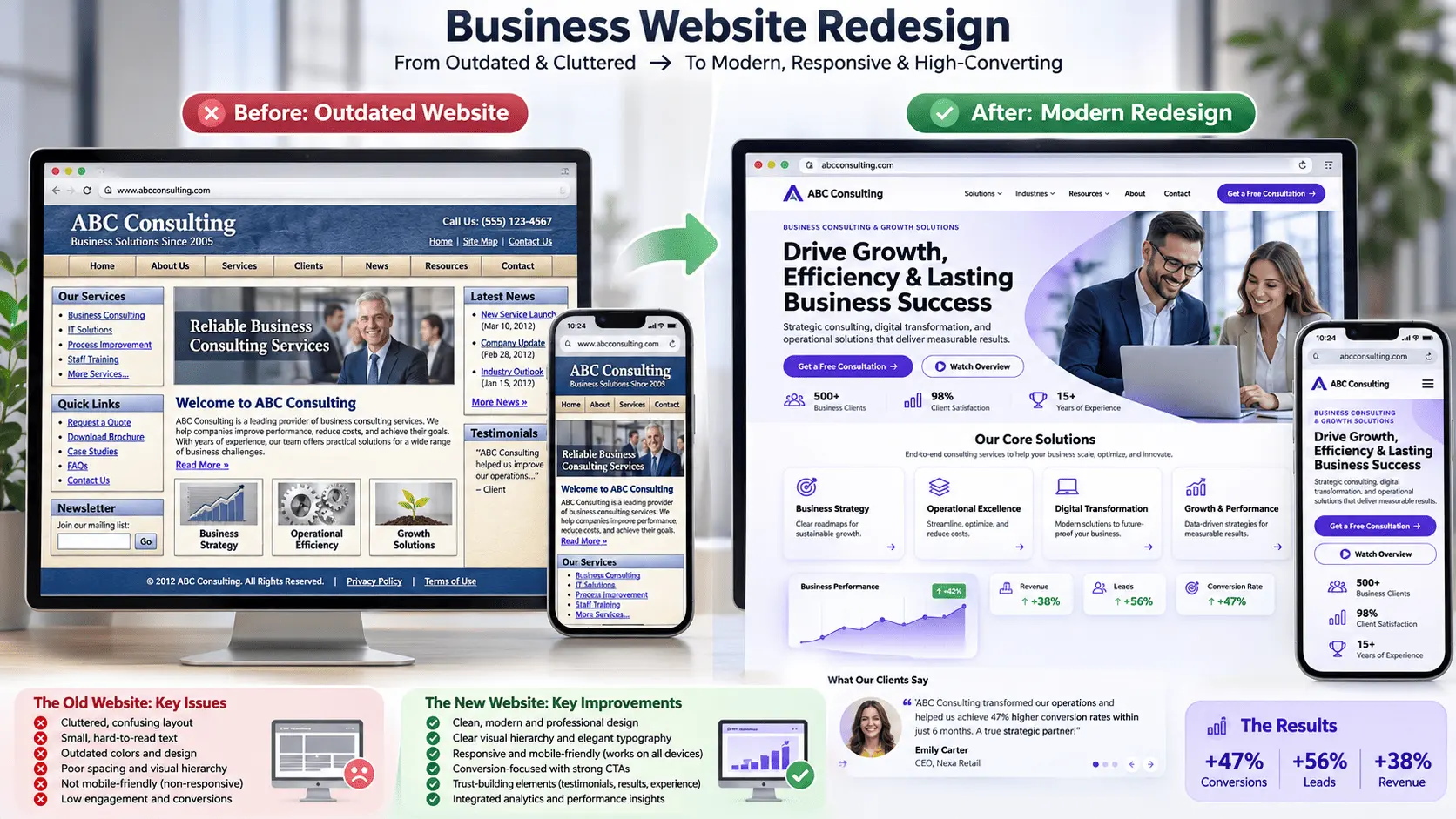
A strategic website redesign may be more practical than repeatedly fixing individual issues.
Before starting, identify your requirements, prioritize important improvements, and create a clear development plan.
15. Best Tools to Check Your Website Performance
You don't need dozens of expensive tools to understand how your website is performing.
Here are some useful tools to get started.
Google Analytics 4
Purpose: Website traffic and visitor behavior.
Use it to understand where visitors come from, which pages they explore, and whether they complete important actions.
Website: https://analytics.google.com/
Google Search Console
Purpose: Organic search and indexing performance.
Use it to check search impressions, clicks, queries, indexing issues, and website visibility on Google.
Website: https://search.google.com/search-console/
Google PageSpeed Insights
Purpose: Website speed and performance.
Use it to evaluate mobile and desktop performance and identify opportunities to improve Core Web Vitals.
Website: https://pagespeed.web.dev/
Microsoft Clarity
Purpose: Visitor behavior and website usability.
Use heatmaps and session recordings to understand how people interact with your website.
Website: https://clarity.microsoft.com/
Google Tag Manager
Purpose: Website event and conversion tracking.
Use it to manage tracking tags and measure important interactions, such as form submissions and button clicks.
Website: https://tagmanager.google.com/
Tip: These tools provide different types of information. Combining analytics, search performance, technical testing, and user behavior gives you a more complete understanding of your website.
Frequently Asked Questions About Website Performance
1. How do I know if my website is performing well?
Check your website traffic, conversion rate, lead generation, loading speed, mobile responsiveness, search visibility, and user experience. A website is performing well when it supports your business goals and delivers a useful experience to visitors.
2. How can I check if my website is generating leads?
Track contact form submissions, quote requests, phone calls, consultation bookings, and other relevant inquiries. Use Google Analytics 4, Google Tag Manager, and suitable CRM integrations to measure these actions.
3. How much website traffic is considered good?
There is no universal number. The right amount of traffic depends on your industry, target audience, business model, and conversion goals. A smaller number of relevant visitors can be more valuable than thousands of visitors who have no interest in your services.
4. What is a good website conversion rate?
Conversion rates vary significantly between industries, traffic sources, and conversion goals. Instead of relying on a single universal benchmark, establish your current conversion rate and monitor whether meaningful improvements occur over time.
5. How can I check my website SEO performance?
Use Google Search Console to review impressions, clicks, CTR, average search position, and indexing information. You can also use Google Analytics 4 to understand how organic visitors interact with your website.
6. Why is my website getting traffic but no customers?
Possible reasons include irrelevant traffic, unclear service offerings, weak CTAs, poor landing pages, insufficient trust signals, complicated forms, or issues with your sales process. Review your visitor journey to identify where potential customers are dropping off.
7. How often should I check my website performance?
Review important website metrics at least monthly. Monitor critical issues such as website availability, form functionality, and security more frequently. Businesses running active advertising campaigns may need weekly or even daily performance reviews.
8. Can a website generate leads automatically?
A website can capture inquiries around the clock through contact forms, booking systems, quote requests, and other lead capture tools. However, generating qualified leads consistently also depends on traffic quality, your offer, content, marketing, and follow-up process.
9. Do I need Google Analytics to track website performance?
Google Analytics 4 is a useful tool for measuring website traffic, engagement, and conversions. However, you can also use other analytics platforms and CRM systems depending on your requirements. Google Search Console and performance testing tools provide additional information that analytics alone cannot offer.
10. When should I redesign my business website?
Consider a redesign when your website has major usability problems, outdated branding, poor mobile responsiveness, slow performance, difficult content management, or a structure that no longer supports your business goals. Not every problem requires a complete redesign; some can be resolved through targeted improvements.
Conclusion: Stop Guessing. Start Measuring Your Website's Performance.
Your website should do more than simply exist online.
It should help potential customers discover your business, understand your services, build trust in your brand, and take meaningful actions.
But you cannot improve what you don't measure.
Start by reviewing your traffic, tracking leads, checking website speed, testing mobile responsiveness, evaluating your SEO performance, and understanding how visitors interact with your pages.
You may discover that your website is already performing well and only needs a few improvements. Or you might identify problems that have been quietly affecting your business for months.
Either way, having the right information puts you in a much better position to make decisions.
Remember, a successful website isn't measured by how beautiful it looks or how many visitors it receives. It's measured by how effectively it supports your business goals.
Is Your Website Helping Your Business Grow?
At The Trio Digitals, we help businesses build, improve, and optimize their digital presence through professional website development, WordPress customization, e-commerce solutions, SEO, digital marketing, lead generation, and AI-powered automation.
Whether you need a new business website, a complete redesign, better website performance, or a strategy to turn more visitors into potential customers, we can help you explore the right digital solution.
Your website should work as hard as your business does. Let's make it happen.
Visit The Trio Digitals and get in touch to discuss your project.
Disclaimer: Website performance and conversion results depend on various factors, including industry, audience, traffic quality, technical setup, marketing strategy, and business objectives. The tools and recommendations in this article are intended as general guidance.